Make every quote use the right identity and regional format
Business value: prevents incorrect currencies, dates and contact details from carrying into everyday work or confusing colleagues reviewing the same account.
 1
2
3
4
5
1
2
3
4
5
- Settings tabs
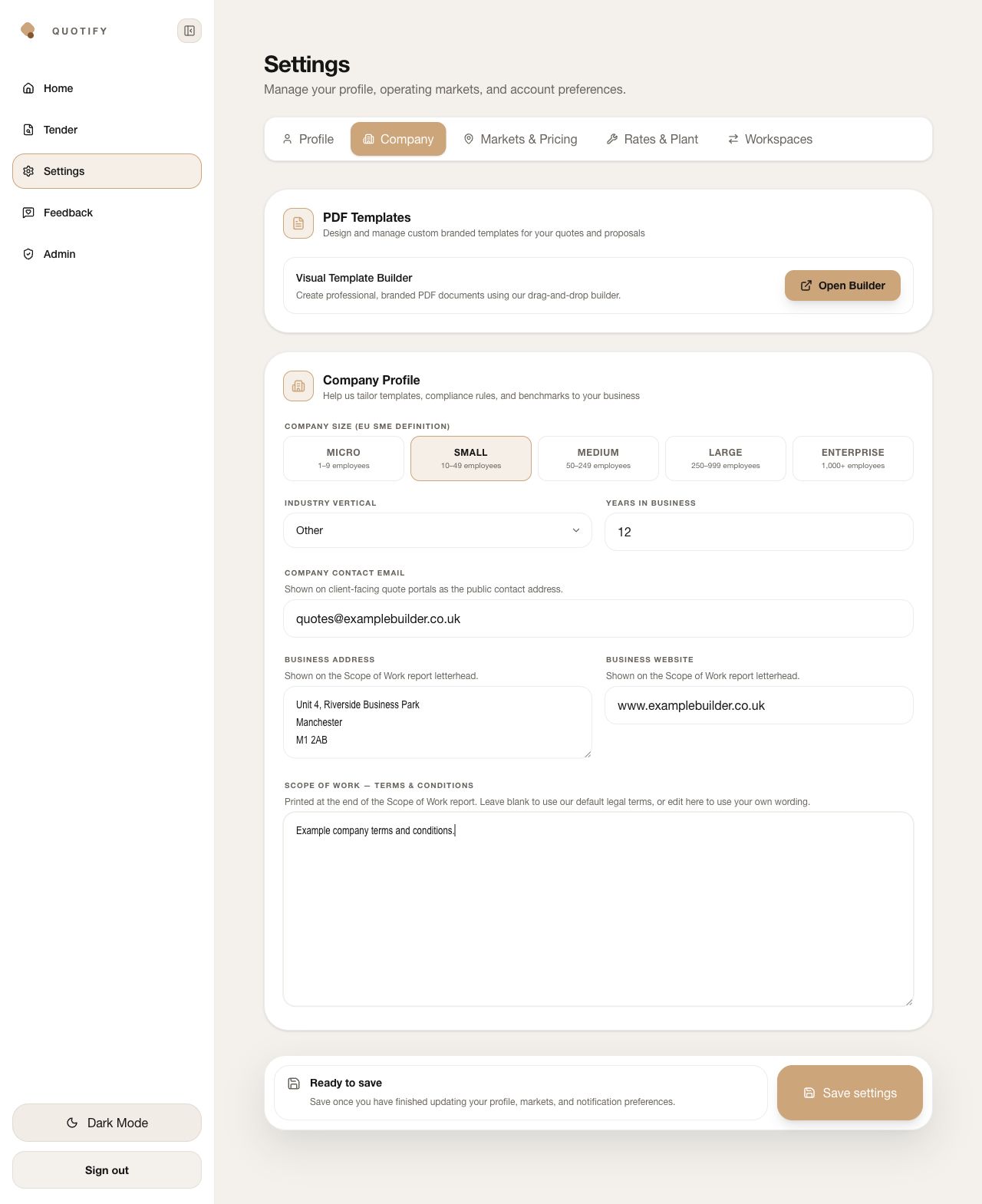
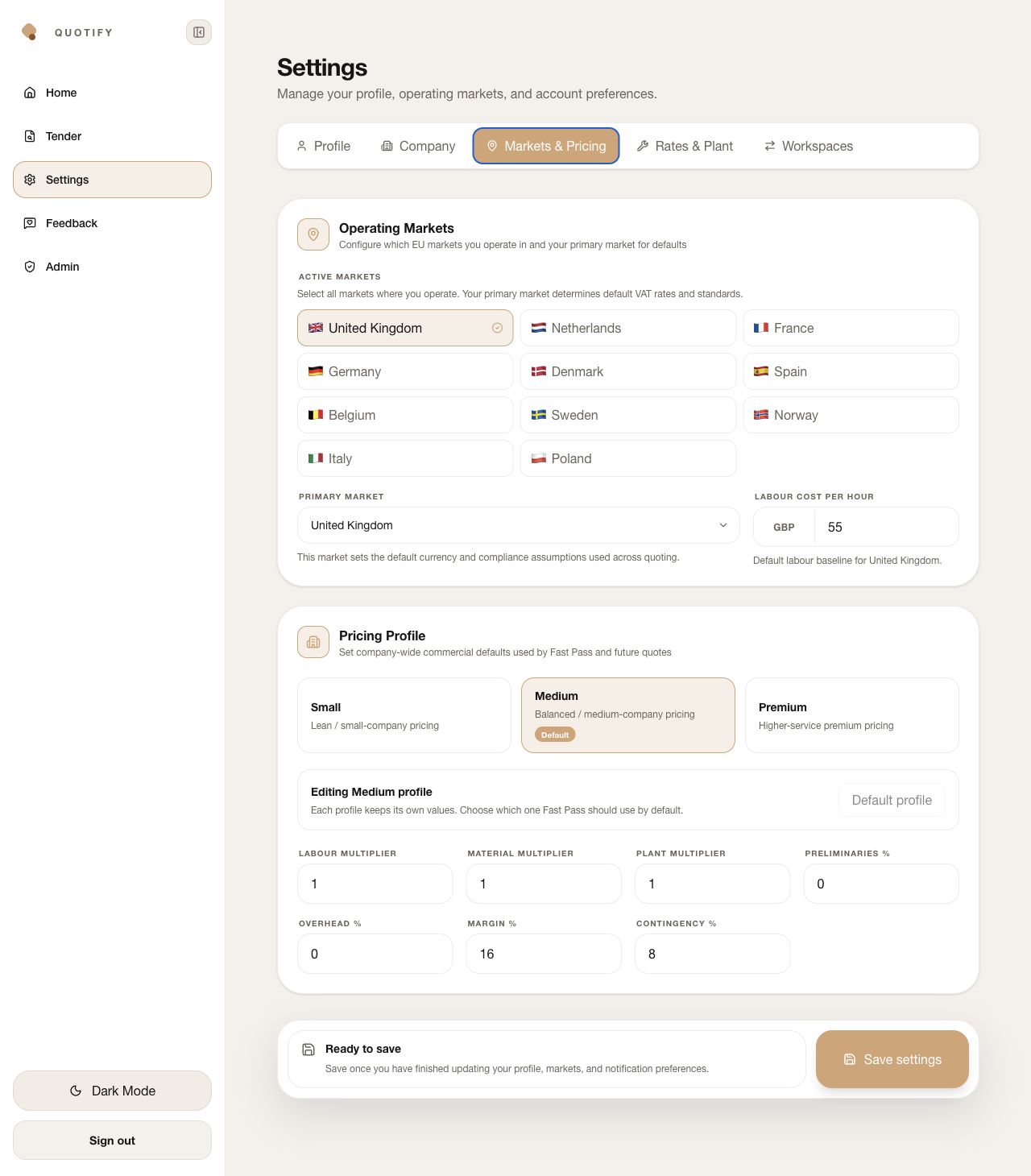
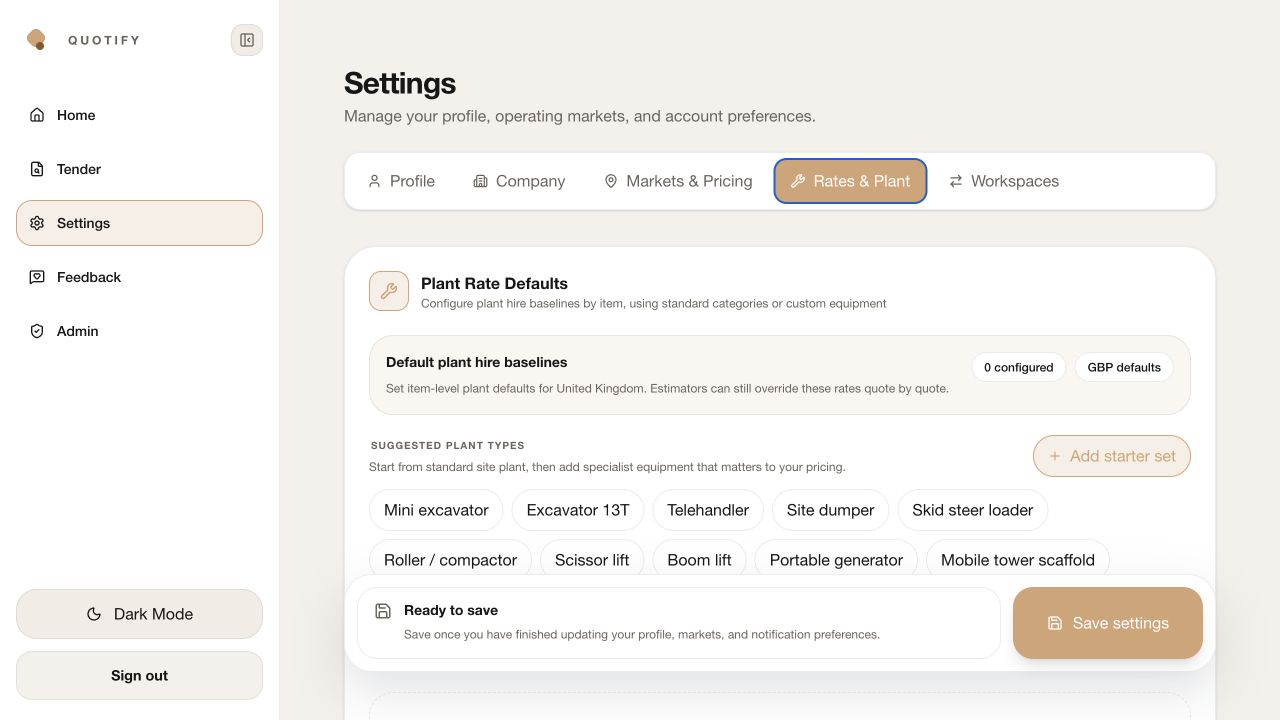
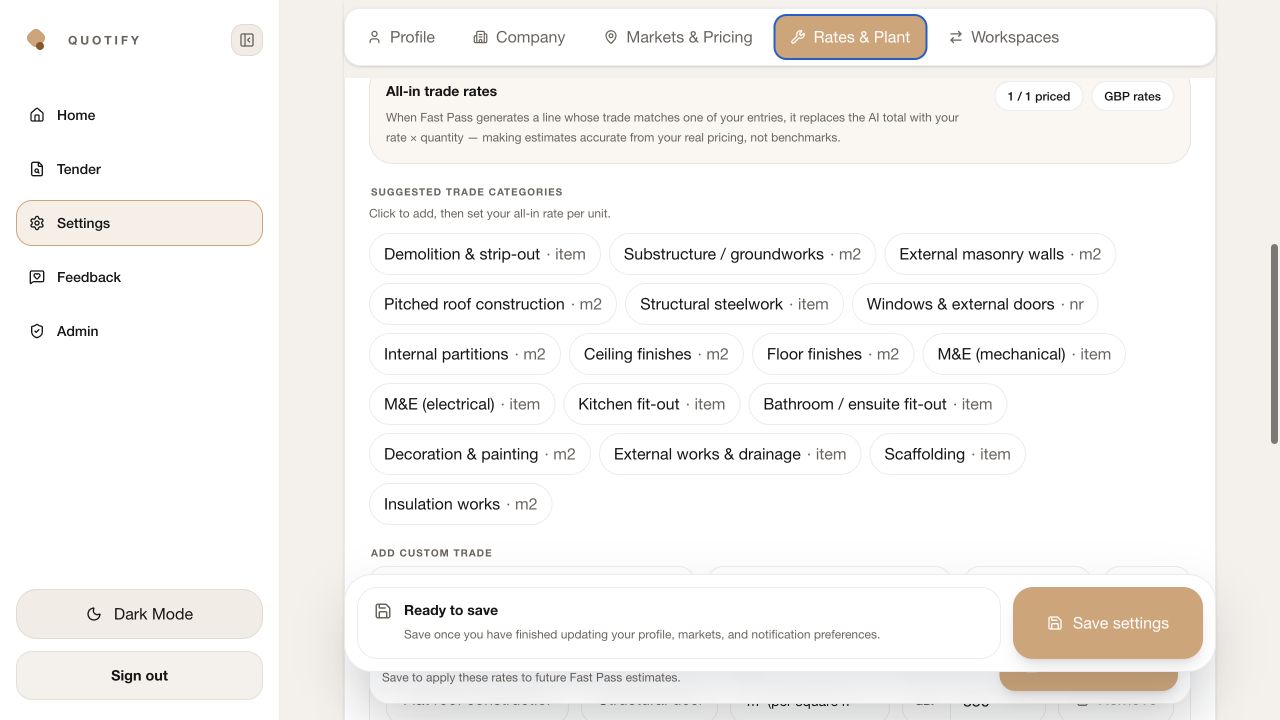
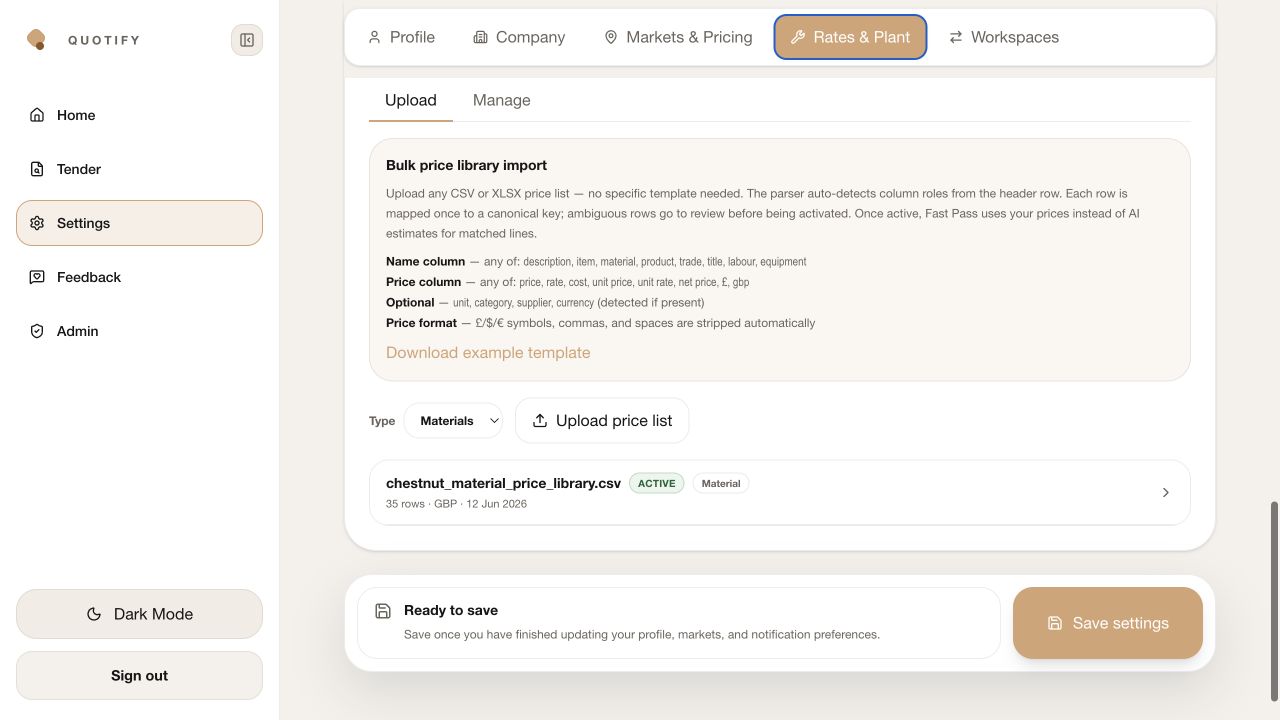
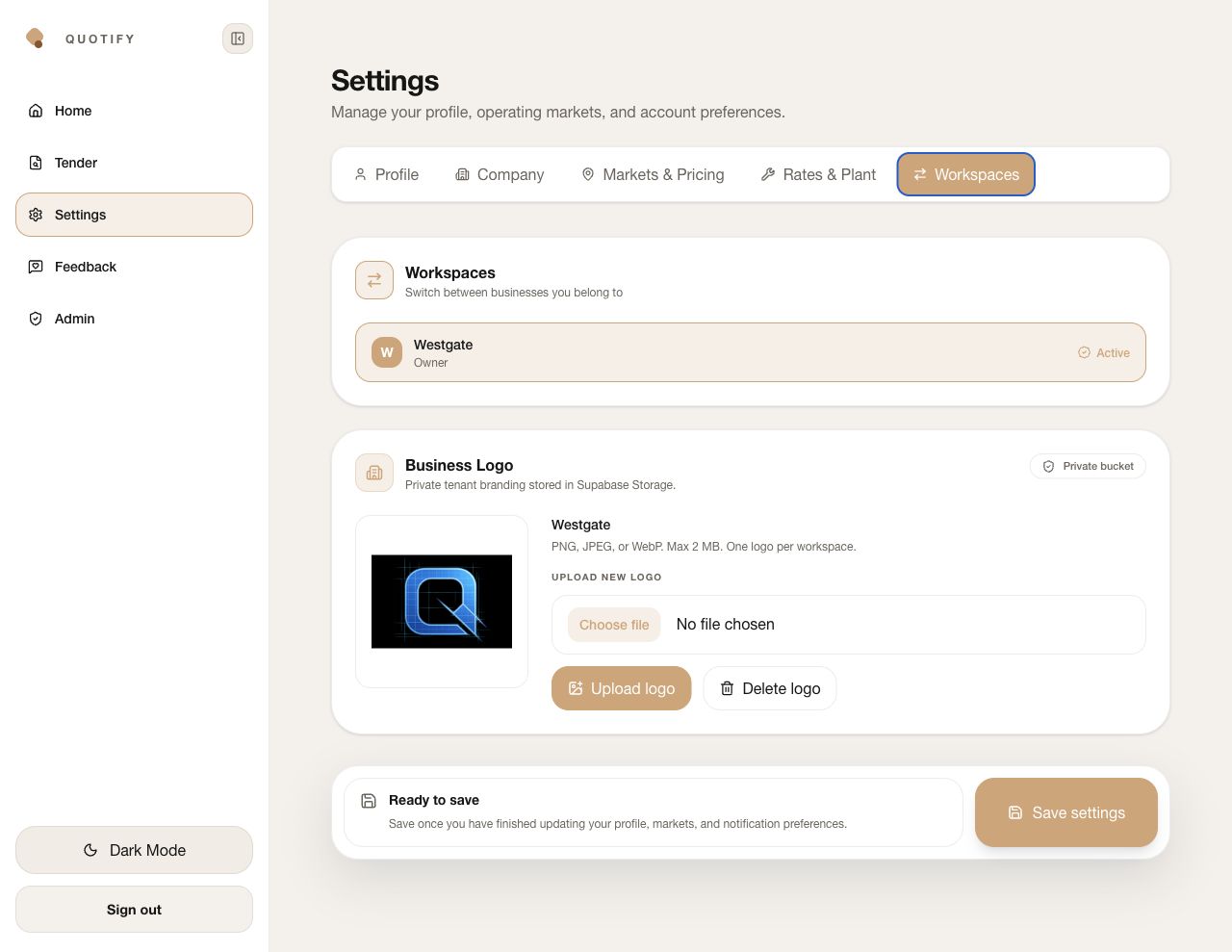
Use Profile, Company, Markets & Pricing, Rates & Plant and Workspaces as one setup sequence. Complete them before relying on generated quote defaults.
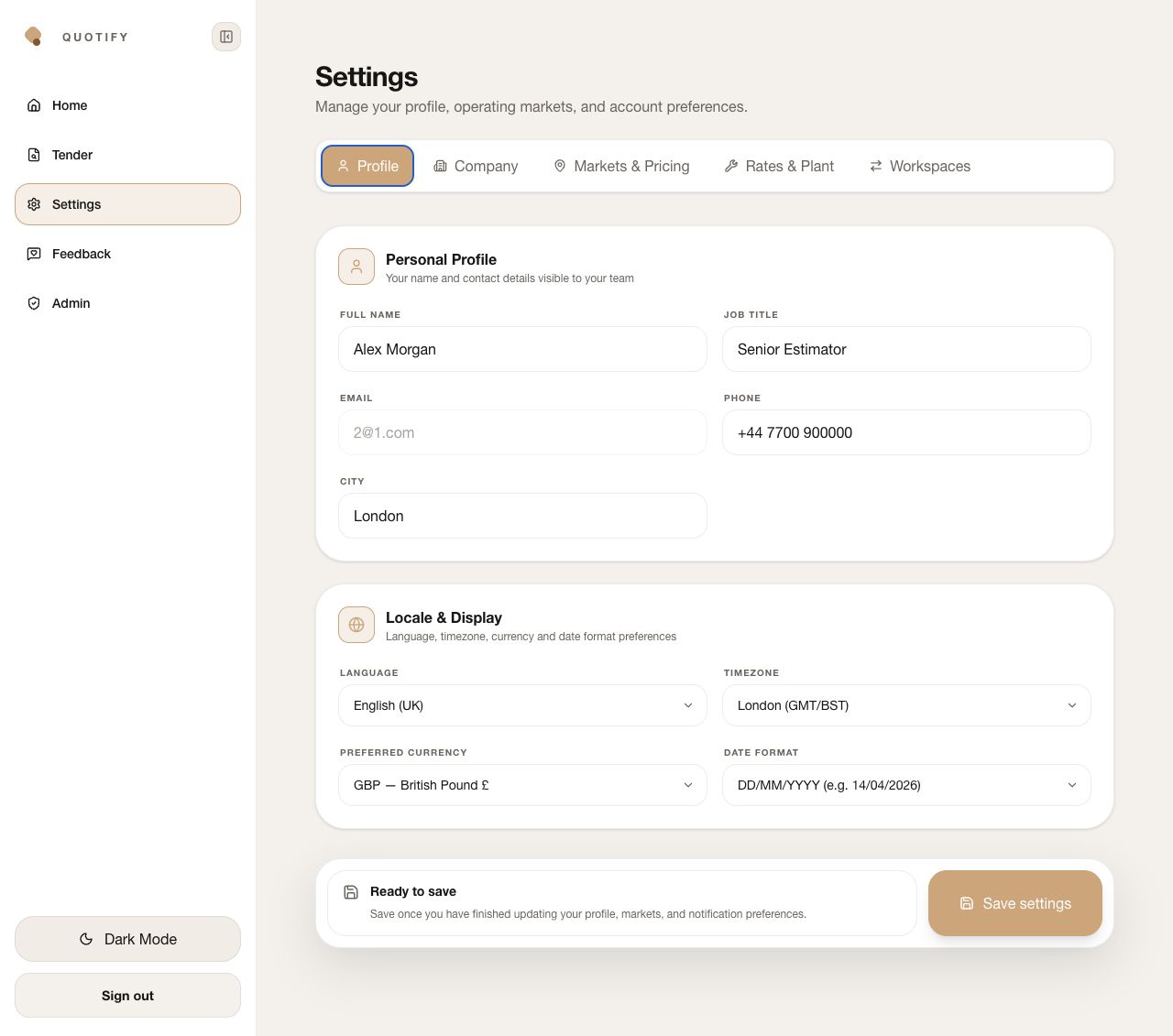
- Personal profile
Add the name, job title, phone and city that colleagues should recognise. The sign-in email is account-controlled and cannot be edited here.
- Contact information
Keep the phone and city current so the team knows who owns the estimating decisions. These are account details, not a substitute for the client-facing company contact.
- Locale & display
Choose language, timezone, preferred currency and date format. These settings reduce ambiguity in deadlines, reports and cross-market cost reviews.
- Save settings
Save only after the full setup pass. Changing a visible field without saving does not establish a durable account default.